
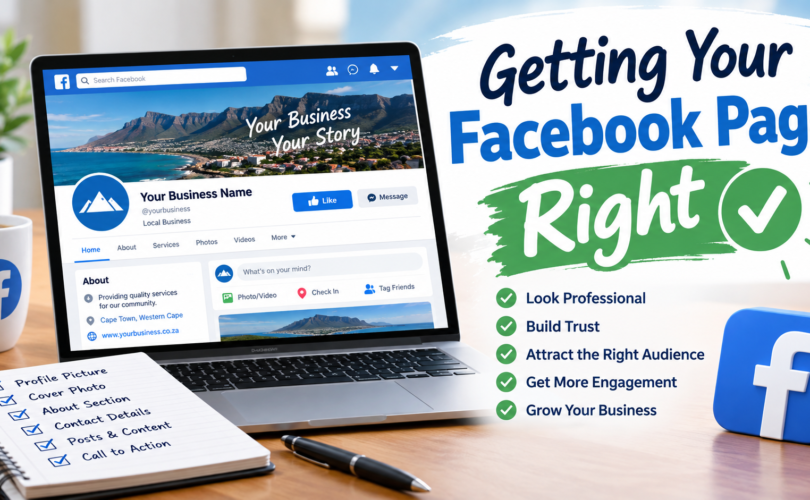
The 6 “Must Do” things to get the best out of your Page.
You’ve decided to run your business’s marketing yourself, and Facebook is where you’re starting. Good. Before we get into anything else in this series, let’s make sure the foundation is actually solid — because most Pages lose visitors in the first ten seconds simply because the basics were never done properly.
Here’s what to fix first, in order of impact.
1. Your Page name is not your business name — it’s your search term
People don’t search Facebook the way they search Google, but they do search. Your Page name should match exactly what a customer would type when looking for you — not a stylised version, not an abbreviation only your staff understands. If your business is “Cape Town Plumbing Solutions,” don’t name the Page “CTPS” or “Cape Town Plumbing Solutions (Pty) Ltd.” Match intent, not paperwork.
2. Your “About” section is doing more work than you think
Most Pages either leave this blank or fill it with a slogan. Neither helps. This section should answer three questions in the first two lines: what you do, where you do it, and how someone contacts you. Facebook surfaces snippets of this text in search results and previews — if it’s vague, you lose the click before anyone even reaches your Page.
3. Profile and cover images are your storefront window
A blurry logo or a stock photo cover image signals “not maintained” faster than almost anything else on the Page. Your profile picture should be recognisable at thumbnail size (it shows up tiny, in comments and search) and your cover image should show your actual work, actual premises, or actual product — not a generic graphic.
4. Turn on and actually monitor your messaging
If Messenger is enabled but nobody’s watching it, you’re worse off than if it were switched off entirely — an unanswered message left sitting for three days tells a visitor exactly how responsive your business really is. Set expectations with an automated first reply if you can’t answer immediately, and make sure someone is actually checking it daily.
5. Pin the post that matters most right now
Whatever you want a new visitor to see first — a current promotion, your most important service, a recent piece of proof-of-work — pin it to the top of the Page. Left unpinned, it’s buried under whatever you posted most recently, useful or not.
6. Fill in every business detail Facebook gives you space for
Hours, location, website, phone number, service area — these aren’t decorative. They’re what Facebook uses to decide whether to show your Page in local search and “nearby businesses” results. An incomplete profile isn’t just less helpful to visitors — it actively gets shown to fewer of them.
None of this costs anything, and it takes an afternoon, not a marketing budget. If your Page has been live for a while and you haven’t touched these six things, that’s very likely costing you more visibility than any algorithm change ever has.
Next week: the posting tactics that still get seen, even now — and the one habit almost every business page gets backwards.